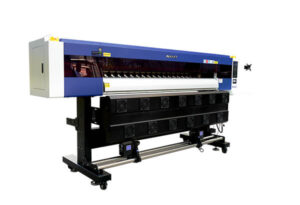

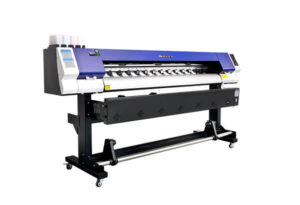
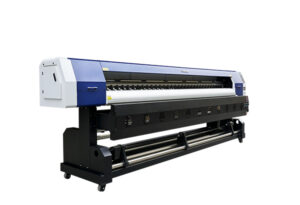
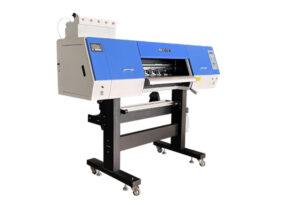
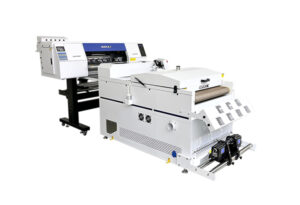
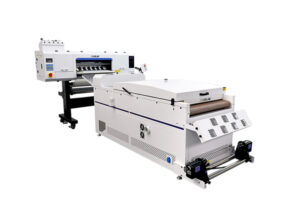
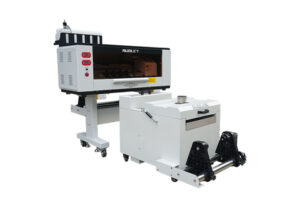
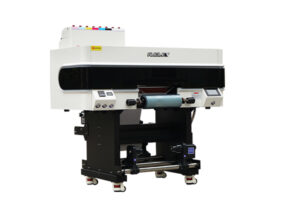
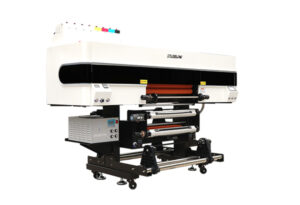

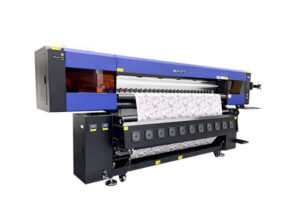
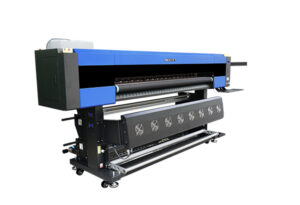
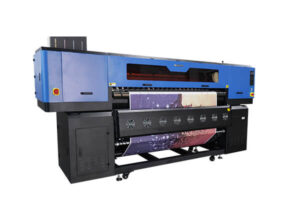
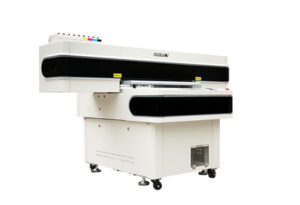
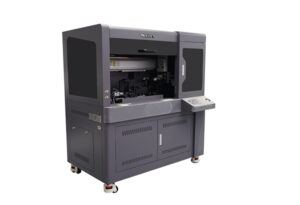
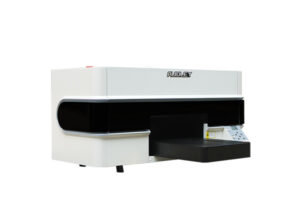






For businesses and creatives who rely on high-performance printers—especially wide-format or industrial inkjet systems—extended periods of inactivity, such as during holidays or vacations, can pose a serious risk to print head health. Dried ink, clogged nozzles, and air exposure can lead to costly repairs or even replacement. To help you protect your investment, we’ve compiled a clear, step-by-step guide on how to properly maintain your print head before stepping away.
Why Print Head Maintenance Matters During Downtime
Print heads are among the most sensitive and expensive components of modern digital printers. When left idle without proper care, residual ink can dry inside the nozzles, causing blockages that affect print quality or render the head unusable. Humidity, temperature fluctuations, and lack of circulation further accelerate degradation. Fortunately, with the right procedure, you can keep your print head in optimal condition—even during weeks-long breaks.

Step-by-Step Vacation Maintenance Protocol
Follow these instructions carefully before leaving your printer unattended:
Power On the Printer
Begin by turning on your printer and allowing it to complete its full initialization sequence. This ensures all internal systems are active and responsive.
Access the Print Head via Control Panel
Using the intelligent control panel, navigate to the maintenance menu and safely move the print head carriage to the service position.
Prepare the Moisturizing Solution
Using a clean syringe, draw up the manufacturer-recommended moisturizing (or “head soak”) solution. Never substitute with water or generic cleaners—this could damage delicate piezoelectric elements.
Apply Solution to the Capping Station
Carefully fill the capping station (located at the ink dock or service station) with the moisturizing liquid. This creates a sealed, humid environment around the print head nozzles.
Seal the Print Head Automatically
Press the ENTER button on the control panel to initiate the auto-sealing function. The printer will lower the cap onto the print head, ensuring full contact with the solution.
Secure the Ink Lines
Once the head is sealed, locate the ink tube clamps near the cartridge or bulk ink system and close them firmly. This prevents ink from flowing back or evaporating through the lines.
Shut Down Safely
Power down the printer through the normal shutdown sequence. For added safety—especially in environments prone to power surges—press the emergency stop button to cut all electrical activity.
Pro Tips for Extended Absences
Duration Matters: If your vacation exceeds two weeks, consider repeating the moisturizing process mid-break if possible, or use an automatic head-cleaning timer if your printer supports it.
Environment Control: Store your printer in a climate-controlled room (ideally 15–25°C with 40–60% humidity).
Final Thoughts
Taking just 10 minutes to properly prepare your printer before vacation can save you hours of troubleshooting—and hundreds (or thousands) in repair costs—upon your return. A well-maintained print head not only extends your equipment’s lifespan but also ensures consistent, high-quality output from day one back in the studio.
Got questions? Leave a comment below! Our technical team monitors reader inquiries and provides expert advice on printer care, workflow optimization, and more.
Stay productive. Print smart. Enjoy your break—with peace of mind.