





Have you ever started a DTF printing job only to find the transfer film curling, wrinkling, or feeding unevenly? These problems can interrupt production, affect print consistency, and create extra work for operators.
Film wrinkling does not always come from a single cause. Material storage, humidity, film tension, feeding alignment, and temperature settings can all influence how the film behaves during printing. For this reason, adjusting the heating system is an important step when troubleshooting film-related problems.
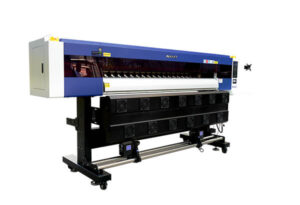
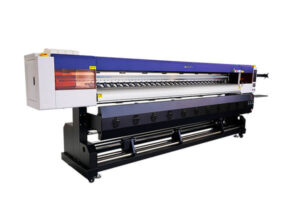
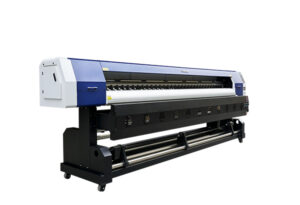
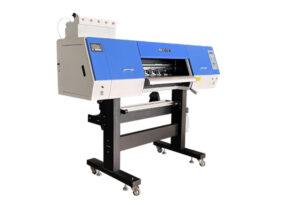
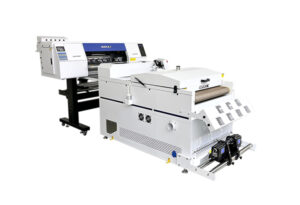
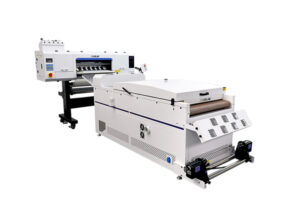
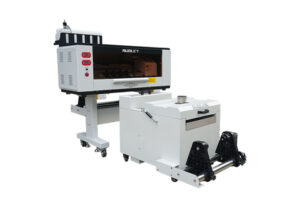
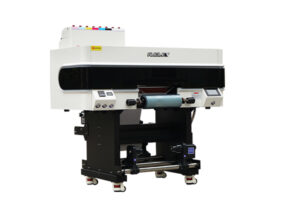
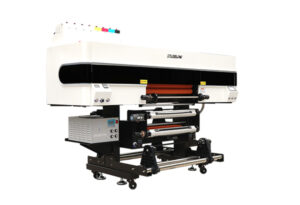
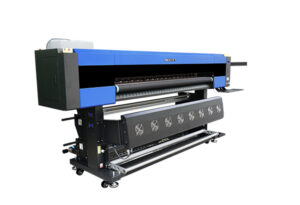
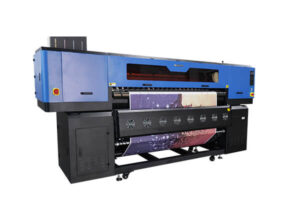
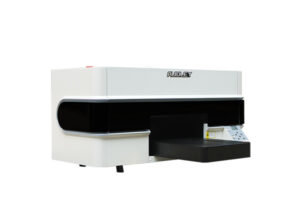
AUDLEY’s three-zone heating design provides independent temperature control across the rear, middle, and front sections of the printing platform. Each section serves a different purpose, helping operators manage the film before, during, and after printing.

1. Why Does DTF Film Wrinkling Happen?
DTF transfer film can react to changes in moisture, temperature, and mechanical tension. When these conditions are not properly controlled, the film may curl, buckle, or develop wrinkles as it moves through the printer.
Humidity is one factor to consider. Film stored in a damp environment may carry excess moisture, while unsuitable storage conditions can affect its dimensional stability. Temperature differences across the printing platform may also influence how the film behaves during production.
Feeding tension is another important consideration. If the film is pulled unevenly, aligned incorrectly, or subjected to excessive tension, wrinkles may appear even when the heating settings seem appropriate.
Ink application can introduce additional challenges. If the printed surface retains too much moisture, ink may spread or blur before the film reaches the powder-shaking unit. The conditions required for successful printing and powder application therefore need to be considered together.
Before changing temperatures, inspect the film path, feeding alignment, material condition, and operating environment. A systematic check can help identify the actual cause instead of relying on temperature adjustments alone.
2. What Is a Three-Zone Heating System?
A three-zone heating system divides the printing platform into three independently controlled areas: the rear, middle, and front sections.
Rather than applying the same temperature across the entire platform, operators can adjust each section according to its role in the printing process.
The rear section prepares incoming film. The middle section supports moisture management during printing. The front section helps prepare the printed film for transfer to the powder-shaking unit.
This gradual temperature arrangement is designed to provide more controlled heating throughout the workflow. It also allows operators to adjust individual sections when working with different films or production conditions.
However, heating alone cannot eliminate every cause of wrinkling. The system works best when combined with suitable film storage, correct feeding tension, proper alignment, and regular machine maintenance.
3. Rear Heating: Prepare the Film Before Printing
The rear heating section acts on the film before it enters the main printing area.
According to the supplied AUDLEY operating guidance, a starting temperature range of 35–45°C can be used for initial testing. The purpose is to gently warm the incoming film and help reduce the effects of surface moisture under suitable conditions.
This preparation may help the film enter the printing area more consistently. It is particularly useful to consider when operators notice that film curls or arches before printing begins.
Start by checking whether the film is flat and properly aligned. Then adjust the rear temperature gradually while observing how the material feeds.
Avoid assuming that a higher temperature will always produce better results. Excessive heat may affect certain films, so the appropriate setting depends on the material manufacturer’s recommendations and actual machine performance.
For best results, store transfer film in a clean, dry environment and allow it to reach suitable operating conditions before use. Heating should support proper material handling, not replace correct storage practices.
4. Middle Heating: Support More Consistent Printing
The middle heating section works while the film passes through the main printing area.
The supplied operating guidance suggests 40–50°C as an initial temperature range for this section. Its intended role is to support moisture management during printing and help reduce problems such as ink spreading or blurred edges under suitable conditions.
When the film moves through the printing area, temperature, ink deposition, and material characteristics interact. If the settings are unsuitable, the printed image may show uneven edges or inconsistent results.
Operators should therefore assess more than the temperature display. Examine fine lines, color boundaries, solid areas, and gradients on a test print. Check whether the ink remains within the intended design boundaries and whether the film continues to feed smoothly.
If ink spreading occurs, review ink volume, print settings, film compatibility, and the recommended operating conditions alongside the heating level.
The middle zone should be adjusted as part of a complete printing setup. A stable process depends on balancing the film, ink, and machine settings rather than increasing heat without testing.
5. Front Heating: Prepare the Printed Film for Powder Application
After printing, the film moves toward the powder-shaking unit. At this stage, its surface condition can influence how effectively the adhesive powder attaches to the printed areas.
The supplied AUDLEY guidance recommends 45–55°C as a starting reference range for the front heating section. The aim is to help prepare the printed film for the next production stage.
The appropriate condition is not necessarily the highest possible temperature. The printed surface should behave as required by the ink and adhesive powder system, allowing powder to adhere to the intended printed areas without compromising the design.
Observe the film as it exits the printing platform. Check whether the printed surface is suitable for powder application and whether the film remains flat during transfer.
If powder adhesion is inconsistent, inspect the powder type, ink condition, film compatibility, and the settings of the powder-shaking unit. These factors can all influence the result.
The front heating section should therefore be treated as one part of a coordinated printing and powder-application process.
8. Practical Setup Tips for More Stable DTF Production
For operators who are new to three-zone heating, a gradual and documented setup process is more useful than changing several settings at once.
Start with reference temperatures. Use the suggested ranges of 35–45°C for rear heating, 40–50°C for middle heating, and 45–55°C for front heating as initial test points, subject to the machine and material specifications.
Increase temperatures gradually. A smooth temperature progression is a sensible starting approach. The three zones do not necessarily need to operate at the same temperature, and the final settings should reflect actual film behavior.
Run a test print. Observe film flatness, image sharpness, ink spreading, and powder adhesion before starting a large order.
Check the complete film path. Inspect rollers, alignment, feeding tension, and the condition of the film. Mechanical problems cannot always be corrected through heating adjustments.
Maintain the printer regularly. Follow the manufacturer’s cleaning and maintenance instructions, including the care of relevant ink-system components and film-feeding parts.
Record successful settings. Document the film type, temperature settings, printing conditions, and test results. These records make it easier to repeat a successful setup and troubleshoot future production issues.
Remember that the recommended temperature ranges are starting references, not universal settings for every film and ink combination. Material specifications and actual test results should guide the final adjustments.
A More Controlled Approach to DTF Film Handling
DTF film wrinkling can have several causes, so the most effective troubleshooting process combines temperature management with correct material handling, feeding alignment, and regular maintenance.
AUDLEY’s three-zone heating design allows operators to manage the rear, middle, and front sections of the printing platform independently. When the settings are properly matched to the film and ink system, this approach can help establish a more controlled printing workflow.
If you are evaluating a DTF printer for commercial production, consider how its heating arrangement fits your film, ink, and powder-application process.
Looking for a more suitable DTF printing solution? Contact AUDLEY to discuss your production requirements and identify equipment options for your application.